 Miravo
Operator Tasks in the Miravo Console
Run common operator workflows from the Miravo Console, including catalog launch, runtime control, platform targets, and tag export.
Use these workflows after the Console is connected to a running Miravo environment.
Launch an environment
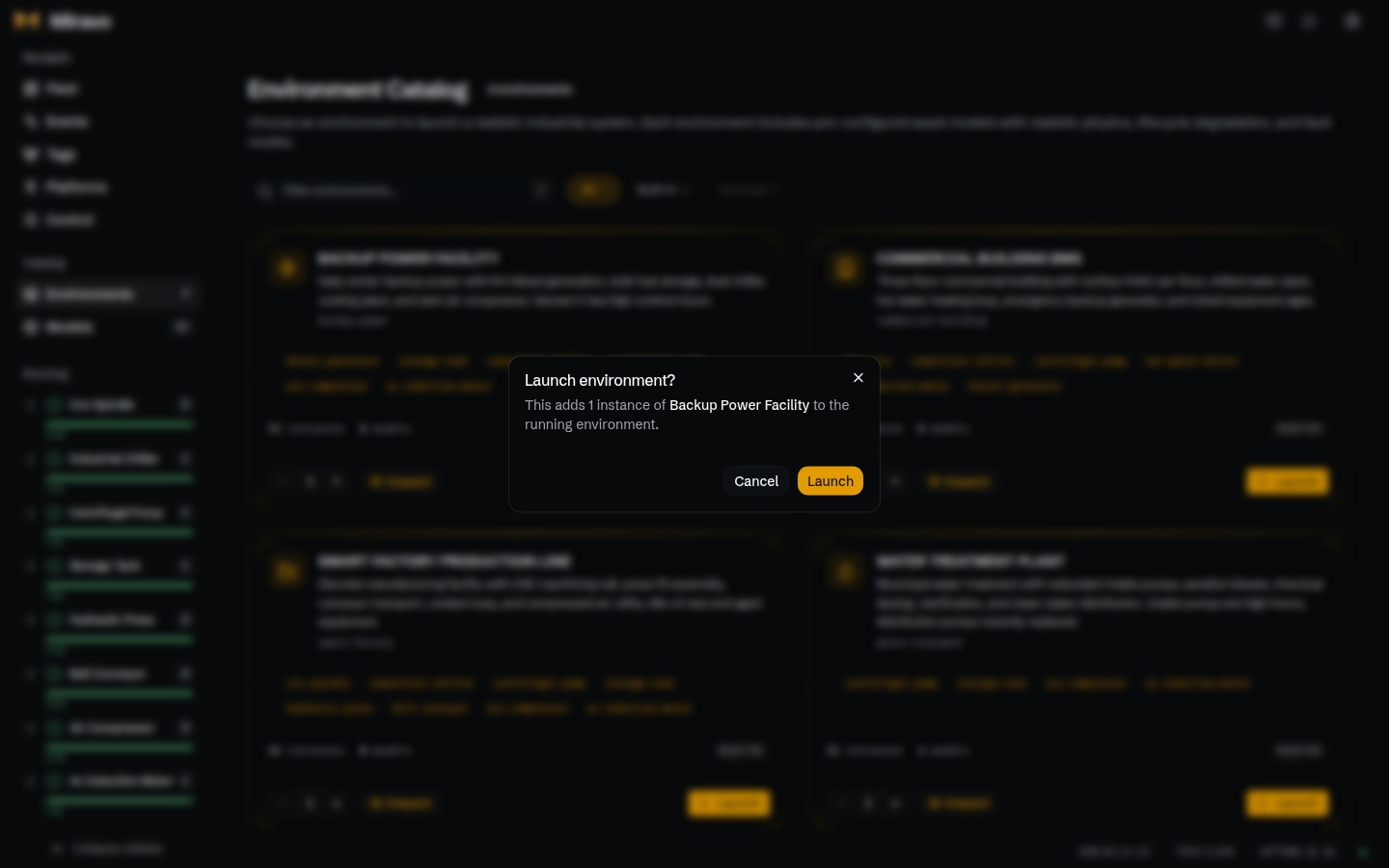
- Open Catalog.
- Select Environments from the sidebar if needed.
- Find an environment.
- Click Inspect to review the template, models, hierarchy, and exports.
- Click Launch.
- Confirm Launch in the dialog.
- Open Fleet and verify the new instances appear.
Launching an environment loads that template into the runtime. Existing runtime state changes with the launch.
Inspect a template
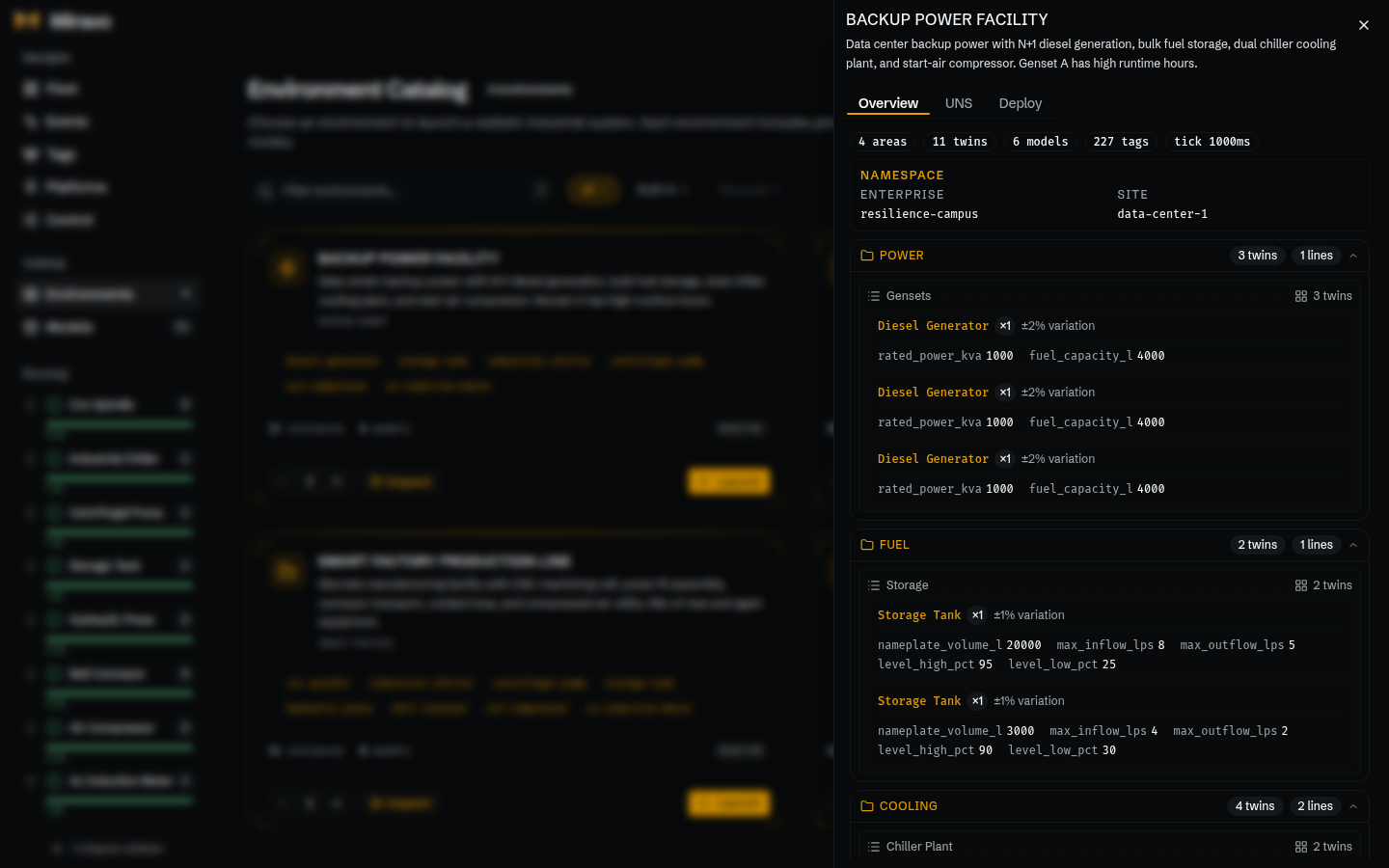
- Open Catalog.
- Find an environment.
- Click Inspect.
- Use Overview to review areas, lines, twins, namespace, settings, and tag totals.
- Use UNS to inspect the generated hierarchy.
- Use Deploy to download YAML or export platform files.
The Deploy tab produces the same template YAML shape used by miravo start and platform export commands.
Inspect one asset
- Open Fleet.
- Filter by model, lifecycle stage, status, or search text.
- Click an instance row.
- Use HMI for live process values and short trends.
- Use Operate for writable members, method calls, faults, counters, and nameplate data.
The operating age includes template-seeded starting_hours plus elapsed runtime.
Spawn a model
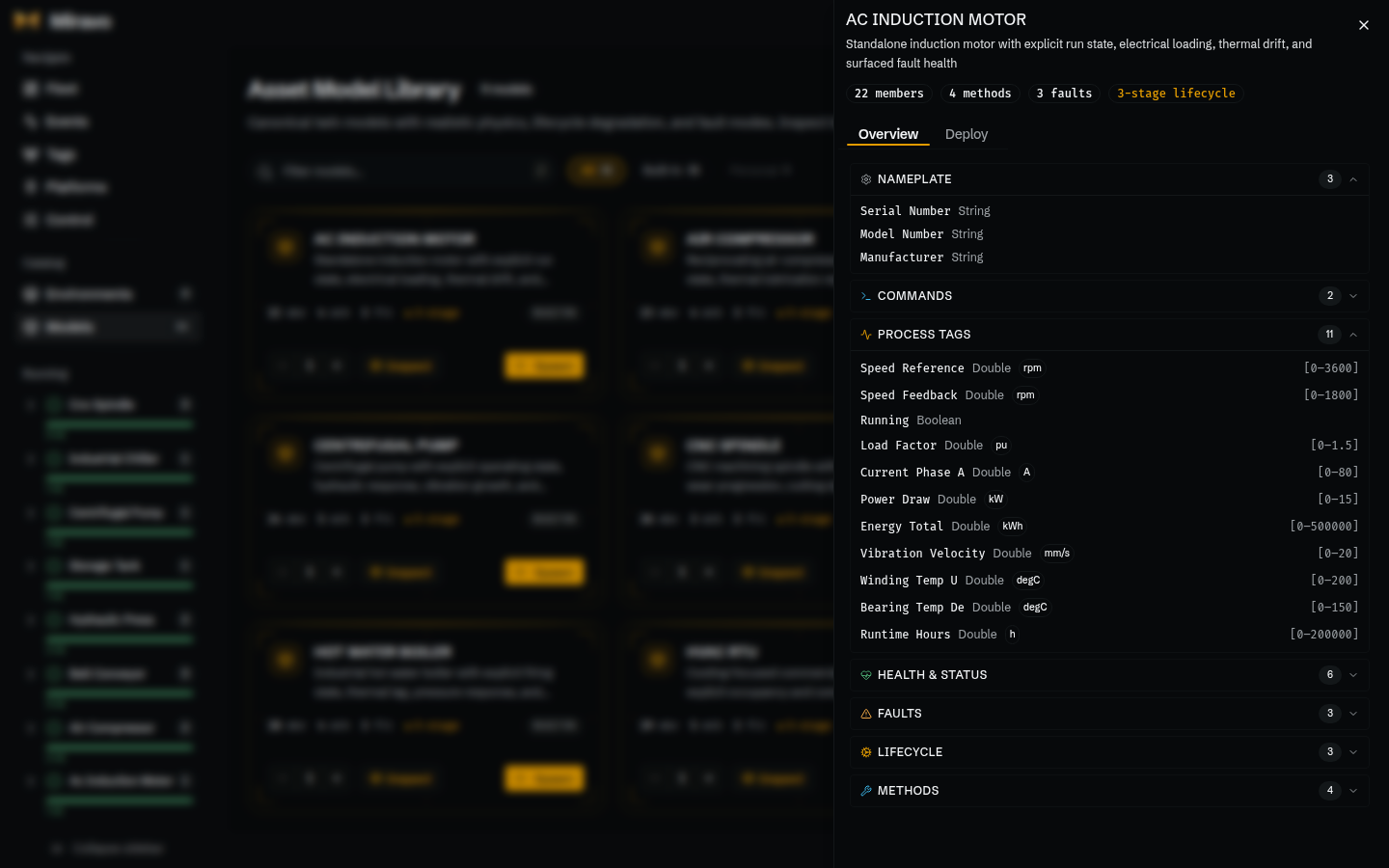
- Open Models from the Catalog group.
- Search or filter the asset model list.
- Click Inspect to review members, methods, faults, lifecycle stages, and YAML.
- Click Spawn.
- Confirm Spawn in the dialog.
- Open Fleet and verify the new instance.
Spawn creates runtime instances from a model. Use environments when you need a full plant hierarchy.
Export a model or template
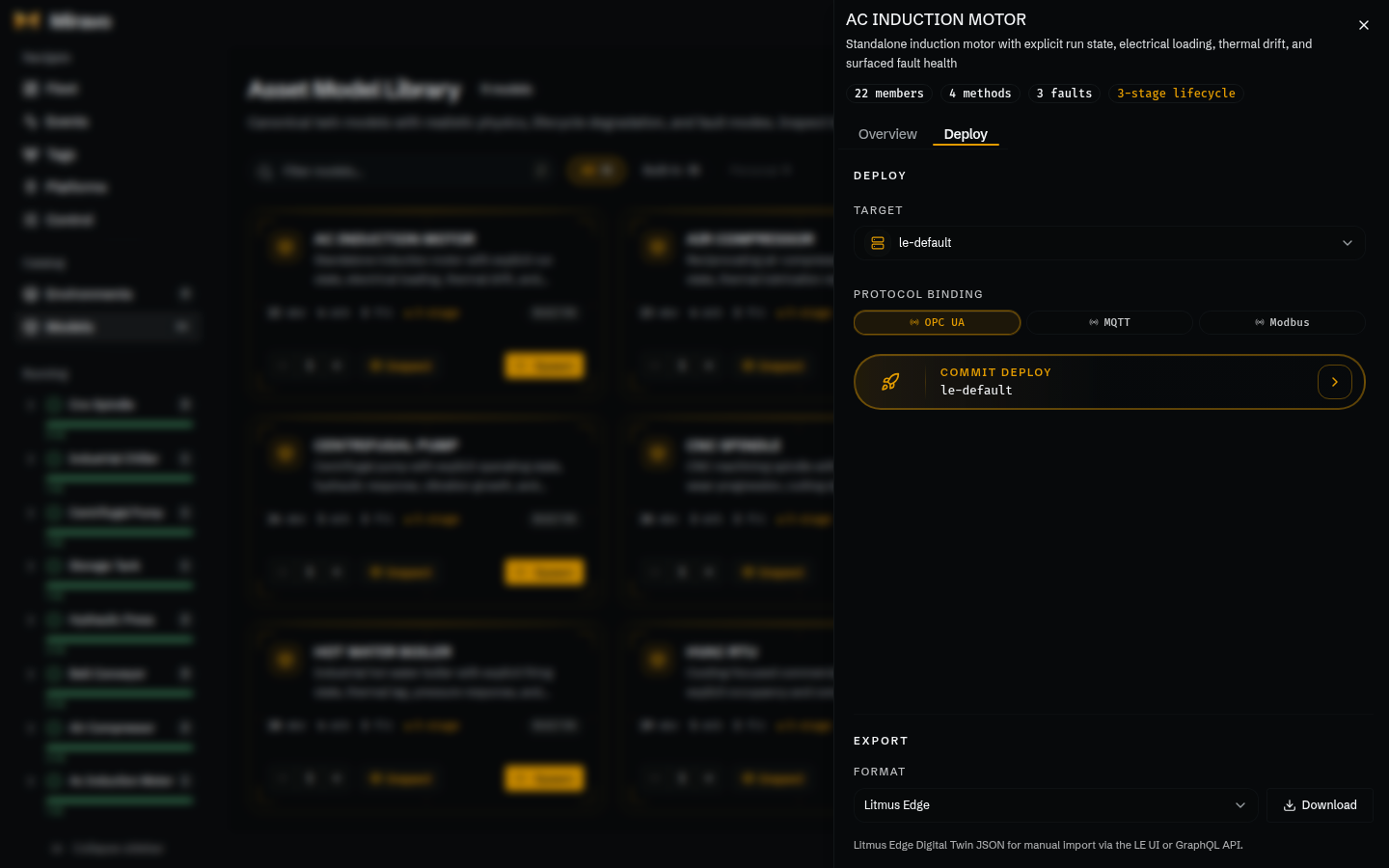
- Open Catalog or Models.
- Click Inspect on an environment or model.
- Select Deploy.
- Download YAML when you need the source file.
- Use platform export when the target system needs a generated payload.
Template Deploy exports a .miravo.yaml file and template-level platform payloads. Model Deploy exports a .twin.yaml file and model-level platform payloads.
Export tags
- Open Tags.
- Filter by protocol, instance, model, or member name.
- Expand a row to inspect MQTT, OPC UA, or Modbus addresses.
- Click Export.
- Click Download CSV.
The CSV follows the active protocol filter. With no protocol filter, it includes all enabled protocol address columns.
Export tags for Litmus Edge
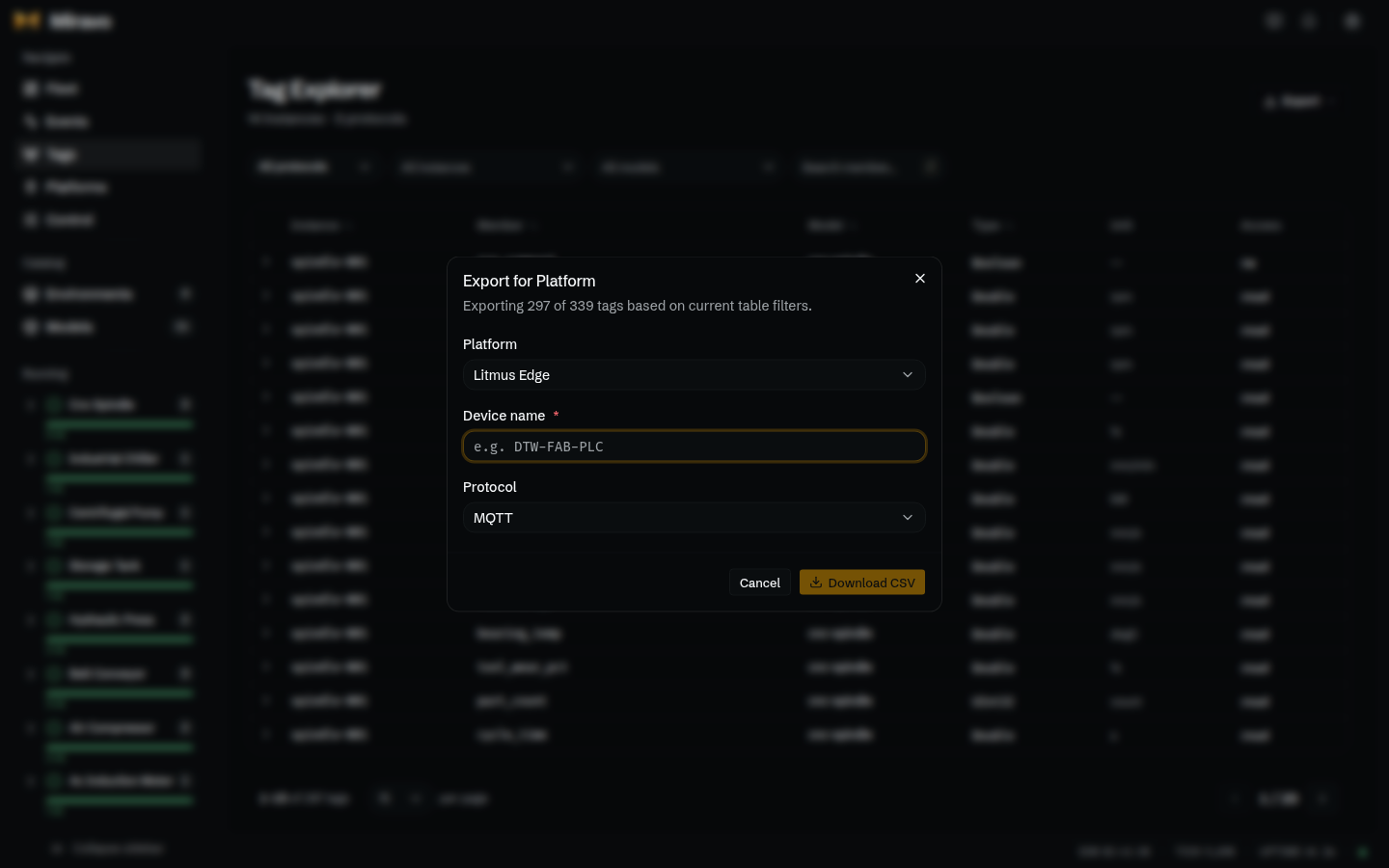
- Open Tags.
- Apply table filters if the export should cover only part of the manifest.
- Click Export.
- Click Export for Platform….
- Keep Platform set to Litmus Edge.
- Enter Device name.
- Select Protocol.
- Click Download CSV.
Table filters reduce the platform export scope. Clear filters before exporting the full live manifest.
Inject and clear a fault
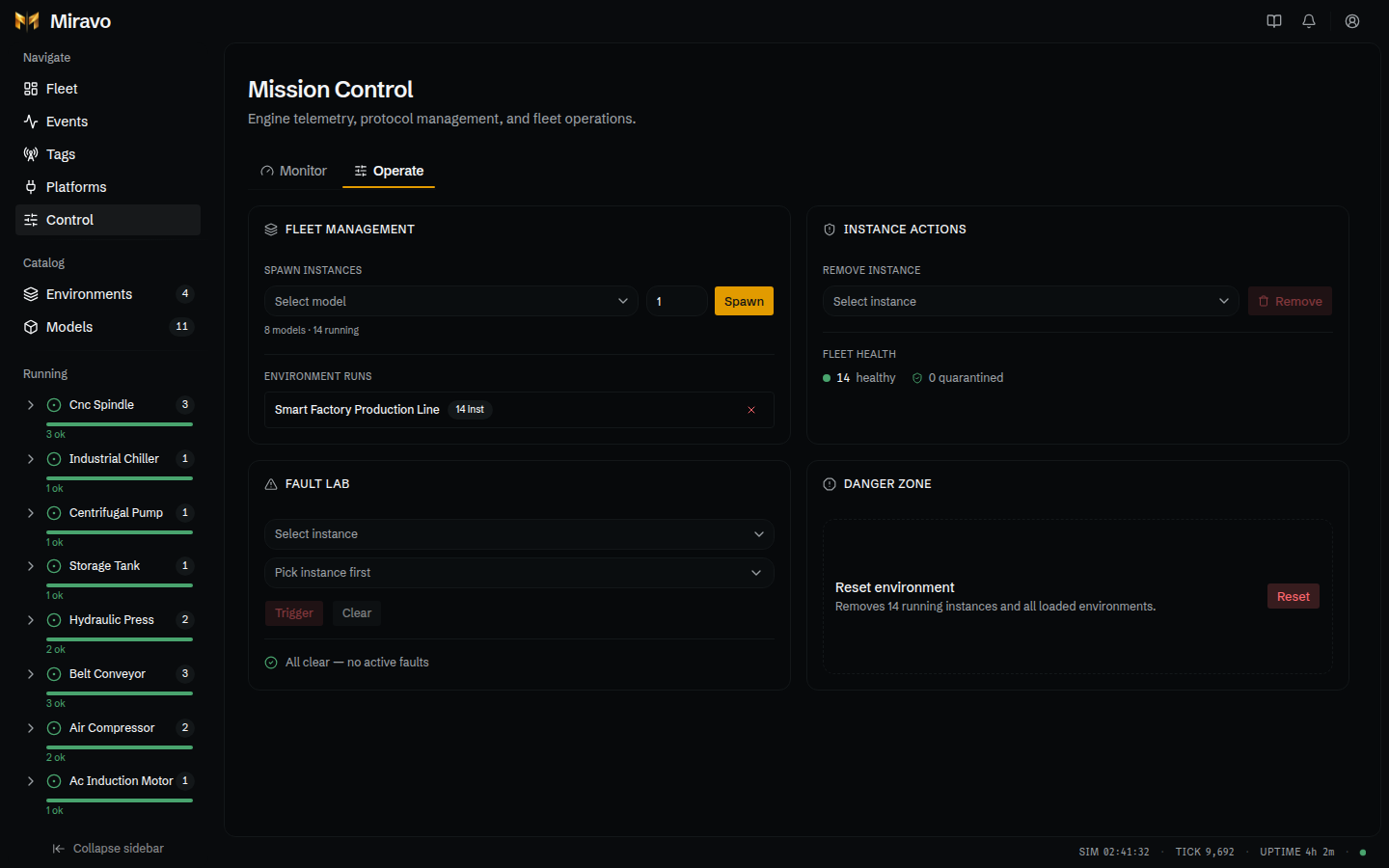
- Open Control.
- Select Operate.
- In Fault Lab, pick an instance.
- Pick a fault.
- Click Trigger.
- Open Fleet or Events and verify the fault appears.
- Return to Fault Lab.
- Click Clear.
Faults also appear in the header alert inbox when they create operator alerts.
Pause or change speed
- Open Control.
- Select Monitor.
- Use Pause to stop runtime ticks.
- Set Speed multiplier.
- Click Set.
- Watch SIM, REAL, CYCLE, and THROUGHPUT.
Speed changes affect simulation time. Real uptime still tracks wall-clock process time.
Remove or unquarantine an instance
- Open Control.
- Select Operate.
- In Instance Actions, choose an instance.
- Click Remove.
- Confirm Remove.
For quarantined instances, use the quarantine controls in the same station to return the instance to the running fleet.
Reset the environment
- Open Control.
- Select Operate.
- Find Danger Zone.
- Click Reset.
- Optionally check Also clear persisted state.
- Click Confirm Reset.
Reset unloads runtime state
Reset removes running instances and loaded environments. The persisted-state option also clears what Miravo restores on restart.
Add a platform target
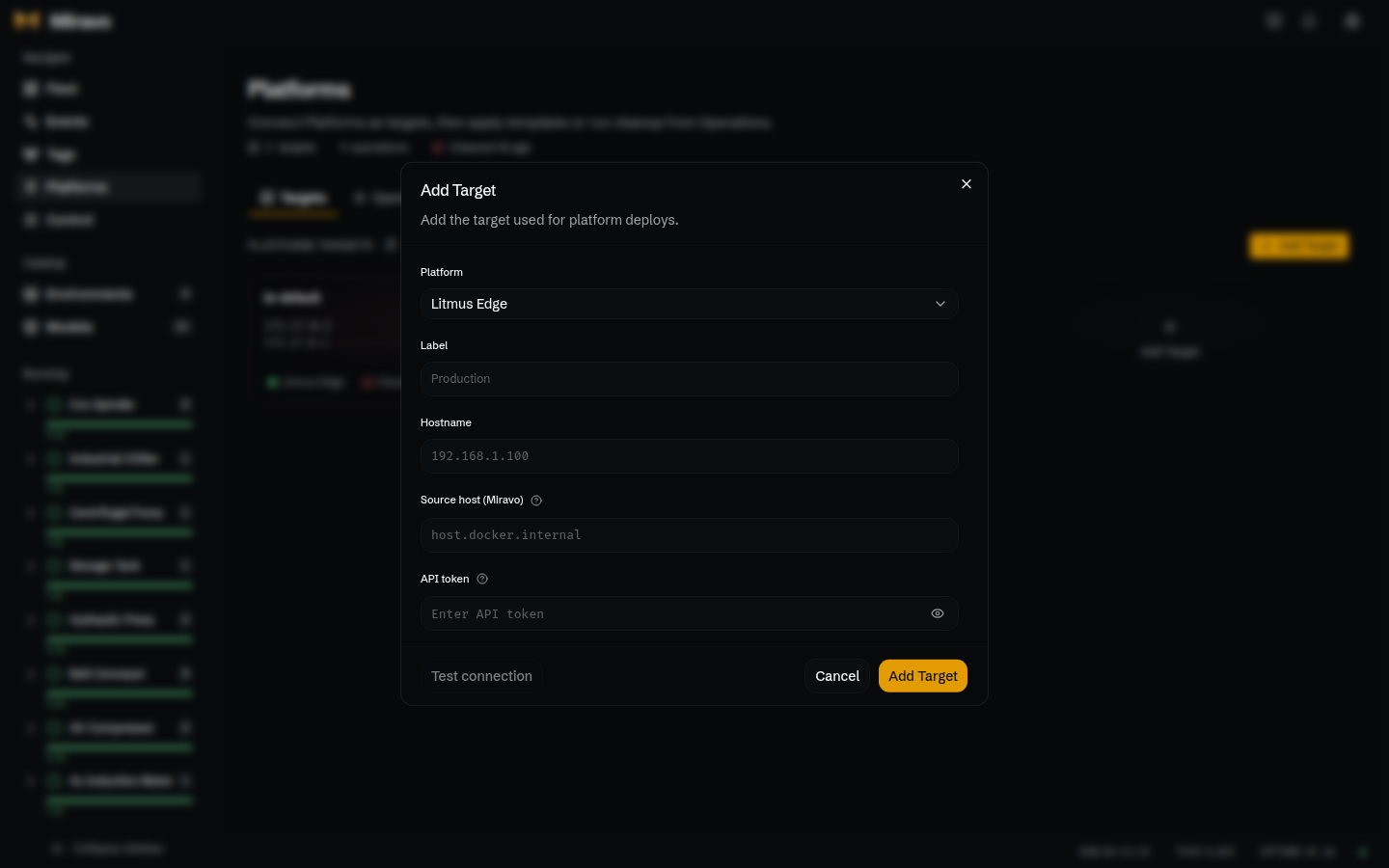
- Open Platforms.
- Select Targets.
- Click Add Target.
- Keep Platform set to Litmus Edge.
- Enter Label.
- Enter Hostname for the Litmus Edge API.
- Enter Source host (Miravo).
- Enter API token.
- Click Test connection.
- Click Add Target.
Source host (Miravo) is the address Litmus Edge uses to reach the running Miravo environment. Use the hostname that is valid from the Litmus Edge network, not only from your browser.
The API token is not returned to the browser after save. Edit the target and enter a new token when it changes.
Apply to Litmus Edge
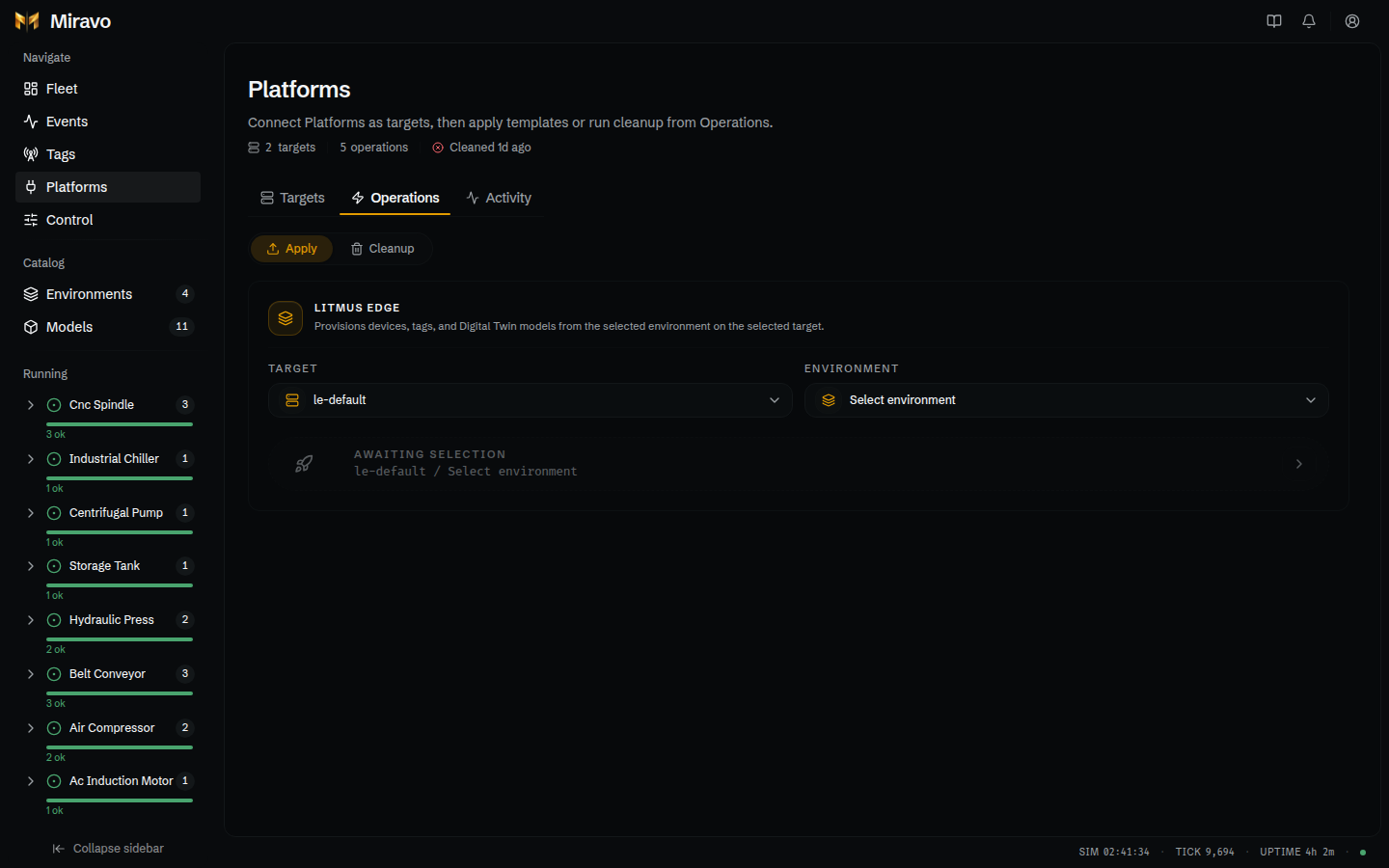
- Open Platforms.
- Select Operations.
- Set mode to Apply.
- Select a target.
- Select a template.
- Click Commit deploy.
- Check Dry run only.
- Click Preview changes.
- Review the plan table.
- Clear Dry run only.
- Open Advanced if the scope or collision policy must change.
- Click Apply.
- Watch the floating stream panel until the operation finishes.
- Open Activity and verify the run outcome.
Advanced scope controls devices, Digital Twins models, and Digital Twins instances. The collision policy controls unmanaged resources on the target.
Clean up Litmus Edge
- Open Platforms.
- Select Operations.
- Set mode to Cleanup.
- Select a target.
- Select a template.
- Check Remove all Miravo managed resources only when cleanup should ignore template scope.
- Click Commit cleanup.
- Check Dry run only.
- Click Preview changes.
- Review the plan table.
- Clear Dry run only.
- Open Advanced if the cleanup scope must change.
- Click Clean up.
- Open Activity and verify the run outcome.
Cleanup ignores unmanaged resources
Cleanup only removes resources marked as Miravo-managed by prior apply runs. Pre-existing Litmus Edge resources are left in place.
Read activity history
- Open Platforms.
- Select Activity.
- Filter by operation type, status, or target.
- Search by template or target label.
- Expand a row.
- Review scope, filters, duration, outcome counts, and resource phase breakdown.
- Click Load more for older entries.
Activity records are stored on the server at ~/.miravo/platforms/operations.jsonl.
Related pages
Fleet
Runtime health and instance detail.
Tags
Manifest filters and exports.
Control
Engine controls, faults, adapters, and reset.
Platforms
Targets, operations, and activity history.
Was this page useful?
Miravo Console for running environments
Monitor a running Miravo environment, inspect assets, export tags, manage platform targets, and control runtime adapters from the browser.
Fleet view in the Miravo Console
Use Fleet to inspect runtime health, filter live asset instances, open instance detail pages, and follow the active environment state.